
How to Read and Track Janitor AI Release Notes
Independent editorial guidance on compatibility, device settings, safety, and responsible use.
A useful changelog explains what changed, when it changed, and which users or devices the change affects. A search for “Histórico de Versões do Janitor AI APK” may turn up tables that present numbered packages without source information. Use this guide to assess release notes, document changes you can attribute, and keep observations from your own device in context.
Identify the release track
Separate notes for the web interface from notes for an installed app. A service can change the website without changing a package version. A browser update can alter rendering without any change at the service. A model option can also change how responses behave while the same menus and buttons remain visible. Identify which of those areas you need to follow before collecting entries.
If a recognized service source references a mobile listing, record the exact platform and publisher details that connect the listing to the service. Compare entries within that release track. A number shown in an Android app setting may be useful when reporting an issue with that installation. It gives limited information about a separate web interface or an app distributed to another device family.
Set an evidence standard for each entry
Look for a dated release note from a source you can independently associate with the service. Read the whole entry to see whether it describes availability, a planned release, or a test with a limited audience. Where a source explains staged delivery, record that detail. Where it does not provide the date or platform, leave the relevant field open rather than filling it from an unrelated article.
Separate the wording of the announcement from your paraphrase. For example, if a note describes work on navigation, avoid expanding it into a claim that all accessibility issues were fixed. Record the screen or action mentioned and verify your own experience with a harmless example. If you cannot find anything attributable for a particular period, an empty period is a usable part of the record.
Create an entry you can revisit
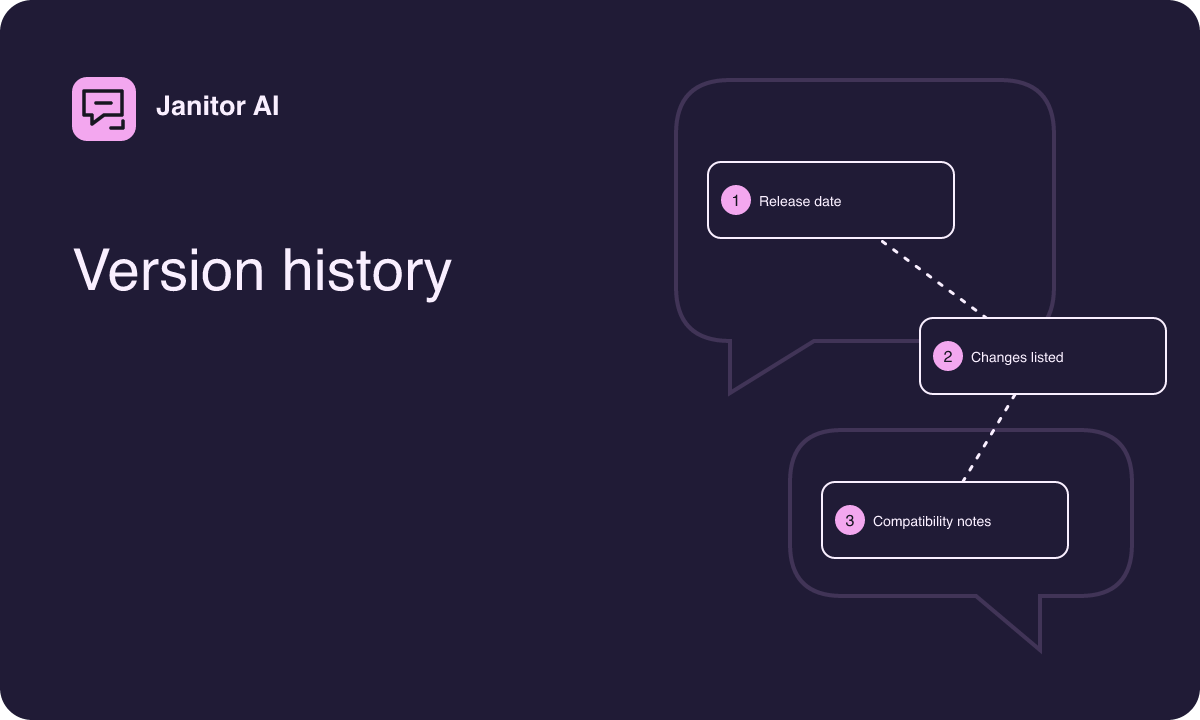
- Start with the date as shown by the source, including a time zone if it matters.
- Name the release track and the platform the source covers.
- Record a version identifier only when it appears in the recognized material.
- Describe the stated change in plain language and keep a reference to the original material.
- Add your own observation separately, including the device and the simple task you tried.
A note might say that a hypothetical web announcement describes a revised conversation menu. Your observation could say that on your tablet you found the menu after rotating to landscape. The observation gives context without asserting that rotation is required for everyone or that the change came to every device at the same time.
Distinguish a correction from a new release
An announcement can be edited after publication. If the change affects how you interpret the entry, record when you saw the new wording and what it clarified. Avoid assuming that a changed help article signals a newly deployed feature. Help content can be revised to explain behavior that already existed or to correct instructions for a specific device.
When two dates disagree, see which event each date describes. A note might discuss the day a feature was announced and later identify when users should expect it. Store information can also reflect what is visible on your device at a particular time. Include the date and scope that the source actually gives. If the dates still conflict, keep the difference visible so someone reading later can understand your record.
Compare changes using harmless examples
Pick a workflow that can be repeated easily. For a change to a composer, type the same neutral two-line phrase and see how line breaks behave. For a discovery change, look for a broad fictional theme using the same filters where possible. For a change to display, note text size, orientation, browser family, and whether the relevant controls are visible. Avoid attaching private material to illustrate a simple layout difference.
If a conversation responds differently, record how it differs instead of attributing the result to a particular update immediately. A generative reply can vary between attempts. Stronger observations name an interface action, a reproducible setting, or an explicit disclosure that changed. Keep the number of variables small if you repeat the sample later.
Watch for gaps and misleading comparisons
Third-party lists sometimes group browser changes, branded packages, and unrelated tools in one sequence. Look for consistent names and a recognizable source for each entry. A sudden jump in numbering or a large gap invites a source check. It does not tell you on its own that anything new or old is installed. Refer to the distribution channel you verified for the device if your real question is whether an update is available.
If an older page promises a download, check its place in the history before considering it. A release record can remain valuable even when no installation route is available for that item. Historical mentions do not establish that a file offered elsewhere is authorized or suitable for your current device.
Use the record to decide what to do
If you follow updates for accessibility, keep entries focused on the controls you use and whether your sample still works. If you need to plan changes across more than one device, add a note for each route with its own compatibility information. For example, you might maintain one line about a web navigation announcement and another about what an authorized store currently offers on a particular tablet.
If the record shows a change you cannot reproduce, ask about that change with the source date and the step you tried. That question is easier to assess than asking for an unspecified newest version. Keep open questions visible and update an entry when you find a reliable source that answers them.
If you maintain notes for a household, keep device observations next to the device name. As an example, a tablet might still use a compact view after a desktop toolbar has changed. Write down which view you opened and whether your note comes from an announcement or your own test. Over time, that distinction helps explain why two people remember different layouts. It also prevents a later observation about the tablet from looking like a correction to an earlier desktop release note. Keep the original date when recording any follow-up.