
How to Compare Free Alternatives to Janitor AI
Independent editorial guidance on compatibility, device settings, safety, and responsible use.
A character chat tool can be free to open and still have limits that matter to the way you write. The search phrase “Melhores Alternativas ao Janitor AI” is a starting point for finding candidates. To make a choice, identify the kind of conversation you want, check the provider's current terms through its own materials, and try a small exercise that you can repeat without sharing anything personal.
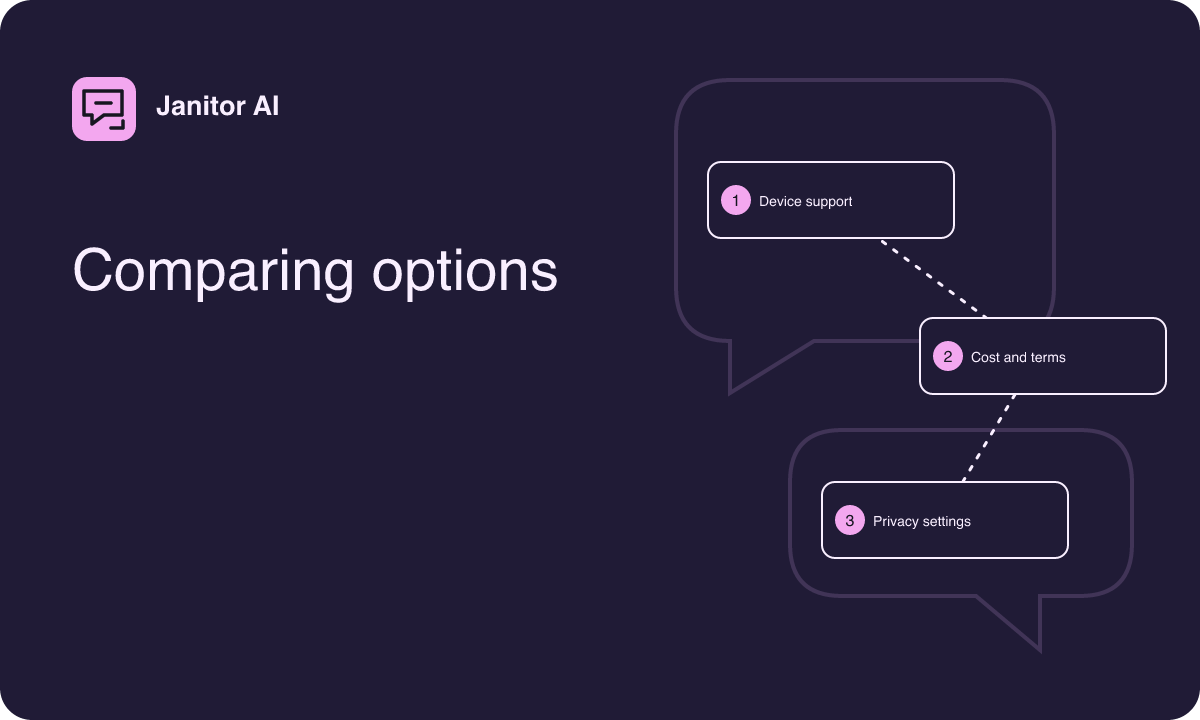
Shortlist by the job you want to do
If you like meeting characters other people have written, consider hosted character chat platforms. Check whether a candidate lets you preview characters and filter the catalog before opening a conversation. If you mainly write your own cast, consider tools with editable character profiles. Look for ways to revisit profile settings, make deliberate changes, and see which configuration a conversation uses.
A general writing assistant is another option when you want help developing a scene without browsing a character collection. You can give it a short role description for a single exercise. For someone who prefers to work on a computer they control, a locally run chat tool may also be worth evaluating. Check both the software and model licenses and the documented hardware requirements. Local operation can still have optional online features, so read the settings before assuming where the text goes.
Find out what free access covers
Use the provider's own pricing and help materials to see whether free access includes the specific feature you want. A free account, a temporary trial, and a limited number of conversations are different arrangements. Read about any limits on messages, characters, saved threads, or model choices. Look for any conditions tied to the device or country where you plan to use the tool.
Write down the conditions that would force you to change your routine. For example, someone developing a short scene twice a week may care more about the ability to resume a thread than about response speed. Someone writing daily may need predictable message availability. If a limit is unclear, leave it marked as unknown until the provider explains it. A summary from another website can be useful for discovery, but it may describe an earlier offer.
Give each candidate the same scene
- Invent a character with a clear role, such as a night librarian who answers questions in two short sentences.
- Write a neutral opening that establishes a setting and asks one question about an imaginary book.
- After the first reply, add a detail, such as the book having a green cover, and see whether it survives the next turn.
- Ask the character to restate one fact and note whether the reply follows your length preference.
- If you need editing or regeneration, try those controls and see what happens to the visible transcript.
A small test has the advantage of being easy to repeat. Save your invented prompts separately so you can compare what each service actually received. Look for enough information to pick the tool you enjoy using. Generated text can vary between attempts even when the settings and prompts appear identical.
Compare how each tool treats your writing
Read the provider's explanation of what it stores, how long it keeps information, and whether other parties receive conversation text. If you use the tool to develop unpublished material, check what the provider says about using submissions to improve its systems. Review the available deletion or export controls and look at any differences between public characters and private conversations.
Where the provider documents privacy settings, find them before opening a long thread. Check whether a new character is visible to other users when created and whether your display name appears alongside it. If you only want to sketch ideas privately, test with a fictional profile and a short original note. Keep a separate copy of material you need, using a storage location you already trust.
Try the interface on the device you will use
Many hosted tools are practical to compare in a regular browser if the provider supports web access. Find the provider through an independently verifiable source. If you want an app, check the exact listing through that source and verify that it supports your device. A larger screen can make a transcript more readable, while a mobile layout makes short sessions easier to fit into the day.
Test the actions that take up most of your time. On a phone, check whether the keyboard covers the controls you need to edit a response. On desktop, try resizing the window and navigating with your usual keyboard settings. If you rely on assistive technology, spend a few turns checking focus and announcements. It is easier to evaluate those details before you have several conversations saved in a tool.
Look at content controls before committing
Character descriptions and generated replies can contain material you did not expect. See which tools let you preview content, filter discovery results, block a character, or report inappropriate material. Check how clearly each candidate explains age limits and content rules. If you plan to use a family device, review whether a previous conversation can appear when another person opens the browser.
Read a couple of starter messages before choosing which character to try. A good character description should give you enough context to decide whether it fits the story you want to tell. A deliberate selection gives you a better comparison than opening whichever result appears first.
Keep a simple record of the decision
Use one line for each contender in a local note. Write its access route, one observed strength, one relevant limitation, and which unanswered question would affect your choice. For example, a hosted character chat may have convenient discovery while a general writing assistant fits original scenes better. A local tool may appeal if you want more control over the setup and have the time to maintain it.
Base your choice on the tasks you repeated and the terms you actually reviewed. If free access changes later, your test prompt and notes make it easy to revisit the decision without rebuilding your whole writing routine.
For a named shortlist, you could investigate Character.AI for character-centered use, ChatGPT for a self-contained writing exercise, and a local interface such as LM Studio if you want to evaluate operation on your own computer. Treat these as leads to check for your device, location, and intended workflow. Verify any current free access and its limits with the provider before spending time setting up a test. For local use, check the license and requirements of the specific model you would need as well.