
Contact and Support
Independent editorial guidance on compatibility, device settings, safety, and responsible use.
A good support question helps the recipient reproduce what you saw and identify who can address it. “Fale Conosco e Suporte Técnico” is a phrase readers may use to look for contact and technical support information. Use this page to prepare a concise question, decide which organization it belongs with, and find that organization's published route. A description of your device and the problem is often enough to start.
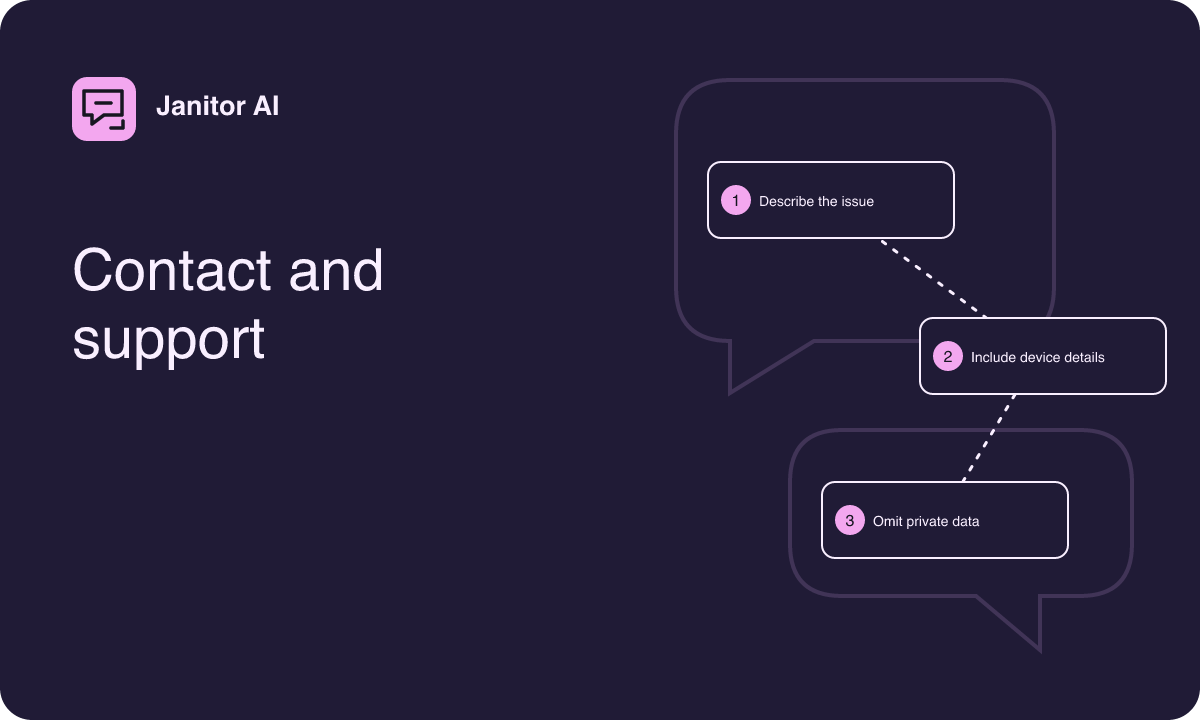
Decide who can help with the issue
An outdated step in an article belongs with the publisher of that article if it provides a verified contact route. A screen that fails inside a character chat service belongs with the operator of that service. A television that cannot find any receiver may call for help from the device maker or whoever manages the connection. A listing that says a device is unsupported might call for clarification from the store or the publisher of the exact listing. Picking the recipient first helps you report the right details.
If the issue spans more than one product, identify where it first becomes visible. For example, a neutral page that shares successfully while one service view fails suggests a different question from a sender that cannot discover the TV at all. Describe the first step you can consistently reproduce. If you cannot identify an independently verified route for an organization, keep your draft locally while you check the materials that organization publishes.
Gather only the details that matter
Write down the device family, operating system or browser family, and access route you used. If you know that a version is relevant, use the version shown in the ordinary settings for that device or app. Include the approximate time and time zone if timing could help distinguish an intermittent problem. State how often it happens in simple language, such as “I observed it twice today” or “it happened on the first attempt and disappeared after reloading.”
If the problem concerns an article, include the public page title and heading. Quote only the short wording you are asking about. If the issue concerns a store listing, record the compatibility message and the device model. For a viewing problem, note whether rotating the device or changing window size made a difference. Those details are easier to act on than a long account of everything you tried that day.
Give the recipient a short sequence to follow
- Name the feature and access route in one sentence.
- Describe the steps you took in order, up to the point where something changed.
- State what you expected to see and what appeared.
- Mention the result of one safe comparison if you made one.
- Ask a question that names the decision or clarification you need.
For example, “I opened the character page on a tablet through the browser. In portrait orientation, the keyboard covered the bottom control. Rotating to landscape made it visible. Is there a documented portrait layout or browser setting for this view?” gives a recipient a clear sequence and a concrete question. Use a harmless two-line sample if text is needed to reproduce the problem.
Review screenshots and examples before sending
A screenshot may capture more than the error. Check the edges for open tabs, profile labels, bookmarks, lock screen previews, and other material that does not belong in the report. A screenshot of a fresh sample with invented text can illustrate a layout issue without exposing a previous conversation. Crop it to the relevant part when that is allowed by the recipient's process and make sure the cropped image still shows the important behavior.
Keep private chats, payment details, session information, and identifying device numbers out of the initial message. An error can often be copied as short, plain text after reviewing it for private details. If the goal is an article correction, a page heading and the sentence in question may suffice. If the recipient provides a more specific reporting process, review its instructions and send only what the process actually needs.
Find the published route for the recipient
Start from a destination you can connect independently to the organization. Look for help or contact information in the service's own materials, the relevant device maker's documentation, or the exact authorized listing. Compare the identities and destinations if several results look similar. A link posted in a comment may describe an unrelated service using the same name. Retain your report locally until you can verify where it belongs.
Use a channel suitable for the topic. A public discussion may be useful for a generic device question. A concern about a private conversation or account is better directed, if possible, through the operator's published process for that type of issue. If you want to correct this site's explanation, identify the relevant article and use a publisher contact route only if one is published and you can verify it.
Phrase corrections so they can be checked
A correction request can be brief and still contain enough evidence. State what the page says and what your device or recognized source shows. For example, a reader might write, “The article says a control sits above the transcript. On my tablet it appears inside the conversation menu in both orientations. Could you check whether the step should mention the menu?” The editor can check a specific statement, while the reader leaves room for interface differences.
If a package or listing claim is the issue, say which detail needs support, such as the claimed device family or the relationship between a listing and a service. A reference to a verified public announcement can help if one exists. Avoid forwarding a download or including a numeric shortcut as a substitute for explaining what needs to be verified.
Keep the report useful if the issue returns
Save the text you prepared and any neutral sample you used. If the problem returns, add the new observation with its time and note what changed. A sentence such as “The page opens on the same connection now, but the composer still disappears after rotating” keeps the report focused and avoids making a second reader reconstruct the original situation. If you receive a request through a verified support route, review it in context before supplying more detail.
For an issue that goes away on its own, keep a short note of the configuration that worked and what you observed before recovery. That makes it easier to ask a precise follow-up later or to give the right organization enough context if the same issue occurs again.